


| Modell# | Testwellenlänge | Dynamikbereich | Ereignis-/Dämpfungs-Totzone |
| 8000MAX-S1 | 1310/1550 nm | 32/30dB | 0,8/4 |
| 8000MAX-S2 | 1310/1550 nm | 35/33 dB | 0,8/4 m |
| 8000MAX-T2 | 1310/1550/1625 nm | 35/33/32 dB | 0,8/4 m |
| 8000MAX-T3 | 1310/1550/1650 nm | 35/33/32 dB | 0,8/4 m |
| 8000MAX-M1 | 850/1300 nm | 20/26 dB | 1,2/5 m |
| 8000MAX-Q1 | 1310/1550/850/1300 nm | 28/26/20/26 dB | 0,8/4 m, 1,2 m/5 m |
|
8000MAX-10G1 |
1310/1550/1270/1577/1625 nm |
37/35/35/35/35dB |
0,8/4 m, 1,2 m/5 m |
|
8000MAX-10G2 |
1310/1550/1270/1577/1650 nm |
37/35/35/35/35dB |
0,8/4 m, 1,2 m/5 m |
Hinweis: Bitte laden Sie den Katalog herunter, um alle optionalen Modelle zu sehen. Wir können OTDR-Geräte auch nach Ihren Wünschen anpassen.
Das Modell 8000MAX-10G dient zum Testen von GPON-, XGPON- und XGSPON-Glasfasernetzen.
KAUFE EINS, BEKOMME ALLES
- OTDR (Auto)
- OTDR (Manuell | Durchschnitt)
- OTDR (Echtzeit)
- Veranstaltungskarte
- Optischer Leistungsmesser (OPM)
- Optische Lichtquelle (OLS)
- Verlustprüfung
- Visueller Fehlerortungsgerät (VFL)
- Faserendflächendetektor
- Ergebnisformat: Sor & PDF
Neue Funktionen
- Start- und Empfangskabel anwendbar, Abzug von der Messkurve zulässig
- Zwei Wellenlängen zur gleichzeitigen Bearbeitung von Testaufgaben
- Erkennung der Betriebsanzeige und Startschutz
Die Menüsprache
- Englisch
- Spanisch
- Russisch
- Korean
- Französisch
Portugal
- Italienisch
- Hebräisch
Das Set beinhaltet
- OTDR
- FC/SC-Anschluss
- Benutzerhandbuch,
- Touchpen
- OTDRviewer-Software
- Netzteil
- Tragetasche
- Kalibrierzertifikat
8000MAX OTDR-Videodemo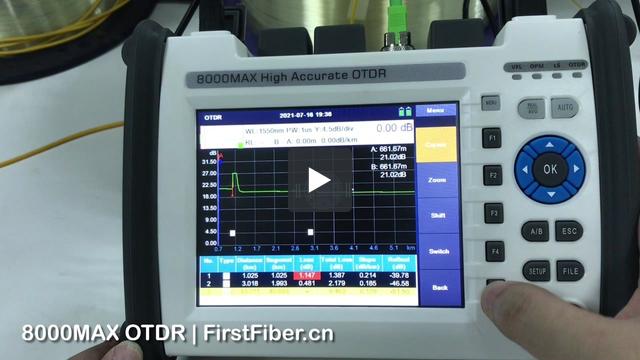
8000MAX OTDR Splitter-Test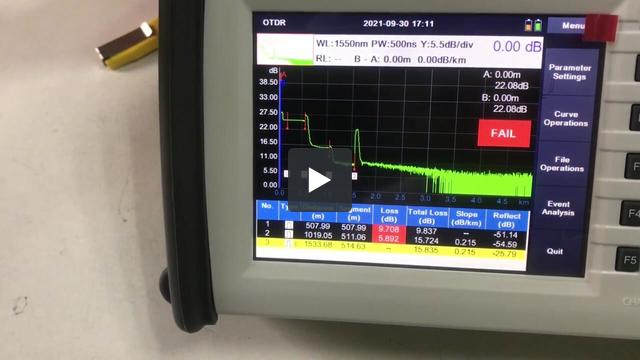
8000MAX OTDR Startkabel-Einstellung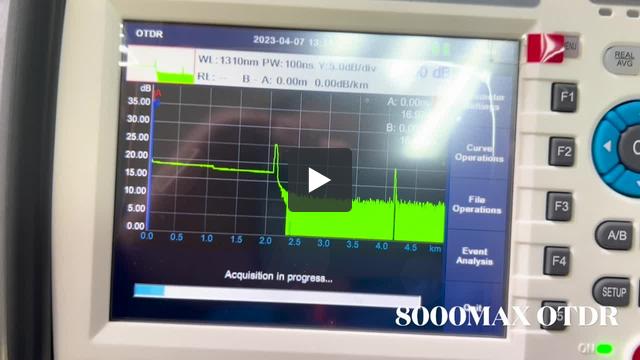
This is because the software is lack of right to write data to your computer. To solve it, please
- run the software by adminstrator.
or
- install the software in D disk, E disk, or any other disk, but not C disk.


Hi, this is because that parameter in OTDR is not same with parameter in PC software. Please change analysis parameters in PC same as OTDR.
A customer complains During generatiing of PDF File with test results marker A is visible on PDF File but marker B isn't visible on page.
It seems like there is a problem with scaling of results during export to PDF files.
During test where 2 files are created SOR and PDF in SOR file results are looking good. It's only problem with export to PDF.

Please check this out and send newest firmware if You had such problem earlier.
If not please check out and give us some updates once it's very high end client and they may order a 10 OTDRs more once we resolve this issue.
This is a softwere bug. Please upgrade your OTDR by the following steps to fix the bug.
Step 1.
Prepare a FAT32 USB flash disk.
Step 2.
Put the upgrade file into the USB flash disk. Be careful not to rename the file.
Step 3.
Insert the USB flash disk into the USB port of OTDR and wait for the USB icon to appear in the OTDR status bar.
Step 4.
Enter the system setting interface of OTDR and click the "upgrade" button.
Then, the screen will display the software upgrade interface, and the upgrade operation will be completed after the software is automatically restarted.
Step 5.
Finished.
Note: the upgrade file is for 8000MAX OTDRs that were pre-installed PDF generater. We strongly suggest you send us your OTDR series number to check if your OTDR can be upgraded or not before you upgrade your OTDR. You can contact our tech support by email tech@FirstFiber.cn
| Instructions | |
| Model Number | Max 8 characters, no special characters allowed. |
| Logo | High Resolution. (.jpg, .bmp, .psd, .cdr, etc) |
| Boot Screen | 800x480 px, format .bmp, and color depth 16-bit |
| Language | Please contact sales to request the English version of the field list. |
| Model | Qty/Carton | Net Weight | Gross Weight | Size |
| 8000MAX | 5 | 12.5 KG | 15 KG | 53x75x29cm |
| Model | Qty/Carton | Net Weight | Gross Weight | Size |
| 8000MAX | 1 | 2.5 KG | 3 KG | 26x20x16cm |


